Evaluating Vector Infographic Elements for Professional Design Workflows
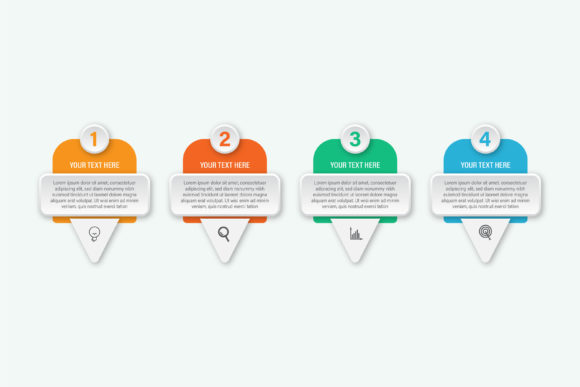
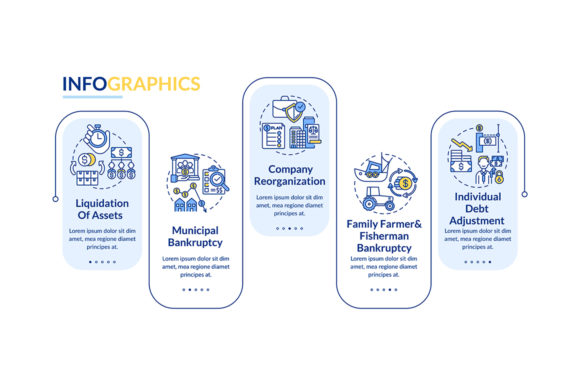
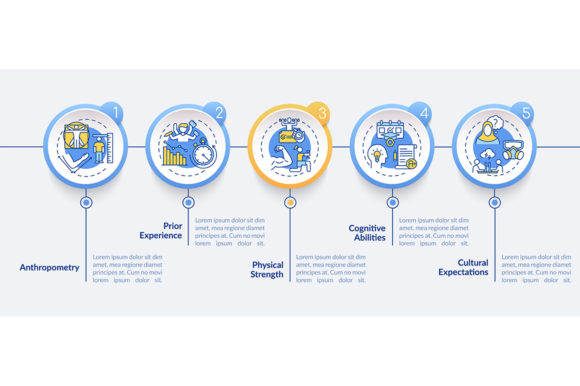
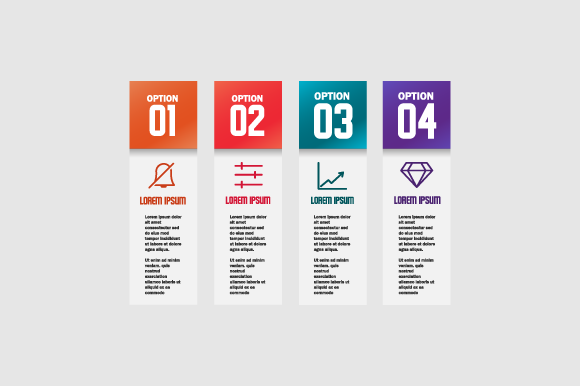
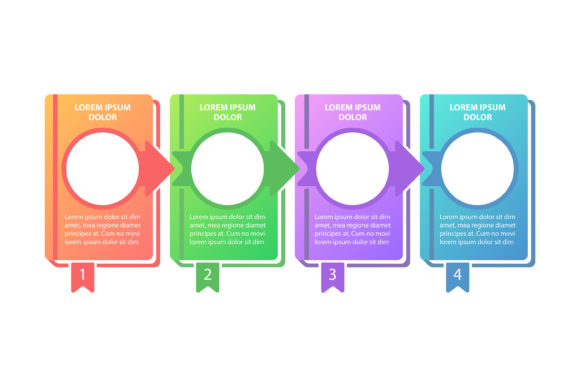
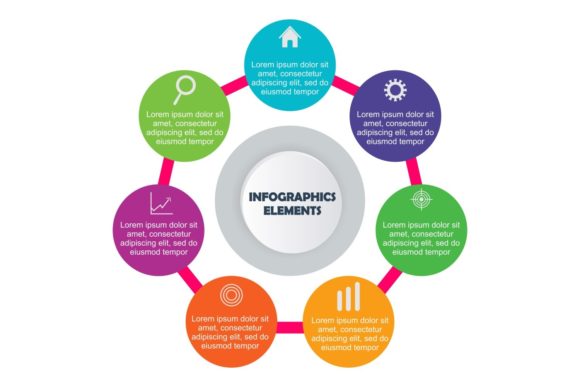
In the fast-paced environment of digital marketing and content creation, the ability to visualize complex data quickly is often more valuable than the data itself. Professionals frequently encounter bottlenecks when trying to translate statistics, processes, or hierarchies into visual formats that are both aesthetically pleasing and easily digestible. This is where comprehensive asset libraries like Vector Infographic Elements become relevant tools in a designer’s arsenal. Rather than building every chart, diagram, or icon from scratch, this collection offers a structured foundation for visual communication. The primary value proposition lies not just in the quantity of assets, but in their technical construction—specifically the ease of color modification, resolution independence, and organized layering that supports efficient iteration.
Technical Flexibility and Color Customization
The most significant friction point in using pre-made vector assets is usually the mismatch between the asset's default styling and a project’s specific brand guidelines. Many generic packs require tedious manual recoloring, where designers must select individual paths one by one to apply new swatches. Vector Infographic Elements addresses this through a structure designed for rapid global changes. The "easy change color" feature typically implies that shapes are grouped logically or utilize global swatches within Adobe Illustrator or compatible software. This allows a user to select a parent group and shift the hue of an entire diagram instantly without breaking the visual hierarchy or losing gradient integrity.
For agencies managing multiple clients or freelancers juggling diverse brand identities, this efficiency compounds over time. Instead of spending hours adapting a single timeline or process chart, the adjustment takes seconds. This technical consideration transforms the pack from a static library of clip art into a dynamic design system. However, users should verify that the color modes are set appropriately for their output; while screen-based projects utilize RGB, the inclusion of print-ready files suggests CMYK compatibility, which is essential for brochures, annual reports, and physical marketing collateral.
Resolution Independence and Format Versatility
A critical advantage of this collection is the provision of 100 resizable vector shapes. Unlike raster graphics, which degrade when scaled, these elements maintain crisp edges at any dimension. This scalability is fundamental for responsive web design and multi-format publishing. A flowchart created for a business card must look equally sharp when blown up for a trade show banner or embedded in a high-DPI mobile interface. The pack supports this versatility through a comprehensive file format suite:
- Vector AI & EPS: The industry standards for full editability, allowing for node manipulation, stroke adjustments, and deep customization within Adobe Illustrator or CorelDRAW.
- Vector SVG: Essential for web implementation, offering code-level control, animation potential via CSS/JS, and lightweight file sizes for faster page loads.
- Vector CMX: Specifically catering to CorelDRAW users, ensuring cross-platform compatibility that many modern packs overlook.
- Image PNG: High-resolution transparent backgrounds for quick drag-and-drop usage in presentation software like PowerPoint or Keynote where vector editing isn't possible.
- Image JPG: Useful for mockups, previews, or non-editable reference documentation.
This breadth ensures that the assets remain accessible regardless of the user's software ecosystem. A marketer creating a slide deck can use the PNGs, while the production artist preparing the final brochure uses the AI files. This interoperability reduces the need for format conversion, which often introduces artifacts or layer flattening issues.
Workflow Efficiency Through Organized Layers
Quantity alone does not guarantee utility; organization determines whether a 100-shape pack saves time or creates chaos. The claim of "100 organized layers" suggests a level of professional housekeeping that is vital for collaborative environments. When opening a complex infographic element, a designer expects to find logical grouping: background elements separated from foreground data points, text labels isolated from graphical shapes, and decorative accents on distinct layers. Poorly organized vectors force designers to spend excessive time unlocking, isolating, and renaming layers before actual design work begins.
In practical application, well-structured layers facilitate non-destructive editing. If a client requests the removal of shadow effects or a change in the background texture, an organized file allows these modifications without risking accidental deletion of core content. For educators and corporate trainers who may need to adapt materials for different audiences, this structure enables the toggling of visibility for specific information tiers, making the same base graphic reusable for introductory and advanced lessons alike.
Print Readiness and Production Standards
While digital consumption dominates, the requirement for "print ready files" indicates attention to production standards. Vectors intended for print differ from web assets in several key ways: bleed areas, safe zones, color profiles, and line weights. Thin lines that render beautifully on a 4K monitor may disappear entirely on a commercial offset press. Assets labeled as print-ready should account for these physical constraints. Users utilizing Vector Infographic Elements for physical media should still perform pre-flight checks, but the baseline quality reduces the risk of costly reprinting errors. The high-resolution nature of the accompanying raster files also serves as a safety net for mixed-media layouts where vector placement might not be supported by the RIP software.
Practical Applications and Audience Fit
Determining whether this resource fits your needs requires an honest assessment of your project types. This collection is particularly well-suited for specific professional scenarios:
- Corporate Reporting: Annual reports and white papers require consistent visual language across dozens of pages. Having a unified set of 100 elements ensures that charts on page 5 stylistically match diagrams on page 40.
- Educational Content: Teachers and e-learning developers benefit from clear, standardized visuals to explain abstract concepts. The ability to resize without quality loss is crucial for worksheets and projection slides.
- Startup Pitch Decks: Entrepreneurs often lack the budget for custom illustration but need polished visuals to convey market size, user journeys, and revenue models. These elements provide a professional veneer that stock photos cannot achieve.
- Blog and Article Illustration: Content marketers can break up text-heavy posts with relevant diagrams, improving dwell time and SEO performance through enhanced user engagement.
Conversely, this pack may be less suitable for highly bespoke artistic projects requiring unique hand-drawn aesthetics or complex 3D rendering. It is a functional toolkit, not an art replacement. Its strength lies in clarity, consistency, and speed rather than avant-garde expression.
Assessing Long-Term Value and Limitations
When evaluating the return on investment for digital assets, consider longevity. Trends in infographic design shift; glossy skeuomorphic styles have largely given way to flat, material, or isometric designs. Users should assess whether the aesthetic of Vector Infographic Elements aligns with current and near-future design trends to avoid premature obsolescence. Neutral, clean geometries tend to age better than heavily stylized thematic elements.
It is also important to acknowledge limitations. While "easy color change" is a stated feature, it assumes a baseline proficiency in vector editing software. Users unfamiliar with global swatches or appearance panels may still face a learning curve. Furthermore, while 100 shapes offer substantial variety, niche industries (such as medical imaging or industrial engineering) may find the generalist nature of the pack insufficient for specialized technical diagrams. In such cases, these elements serve best as supplementary framework components rather than complete solutions.
Ultimately, the effectiveness of Vector Infographic Elements depends on integration into a disciplined workflow. It excels as a time-saving accelerator for professionals who understand how to leverage vector architecture. By reducing the mechanical burden of drawing basic shapes and structures, it frees up cognitive resources for higher-level information design and storytelling. For the target demographic of creators, marketers, and business owners, this balance of flexibility and structure represents a pragmatic solution to the perpetual demand for visual content. The inclusion of multiple formats and print-ready specifications further solidifies its position as a versatile utility rather than a disposable novelty, provided users approach it with realistic expectations regarding customization and industry-specific applicability.